
Browser-based software
Use Mac, PC, or Linux without maintaining complex local installs on every lab station.
For Educators
Evaluate classroom fit, day-to-day usability, and support options before you bring a laser system into a lab, library, or makerspace.
What Schools Need
These are the practical buying criteria that come up most often in school and makerspace deployments.
Use Mac, PC, or Linux without maintaining complex local installs on every lab station.
Keep setup approachable for instructors and students who need clear machine-state feedback.
Handle larger classroom projects and varied materials without boxing the curriculum into one format.
Pair classroom deployment with documentation, certification, and direct support when faculty need backup.
Education Reading
Use these articles to give prospective programs more context around classroom use cases and fabrication-lab outcomes.
Laser Cutters in SchoolYou’ve probably heard or seen the acronym “STEM” (or “STEAM,” since the arts teach and expand the creative skills necessary for innovative...
This article discusses how laser cutters can fit into the STEM education curriculum.
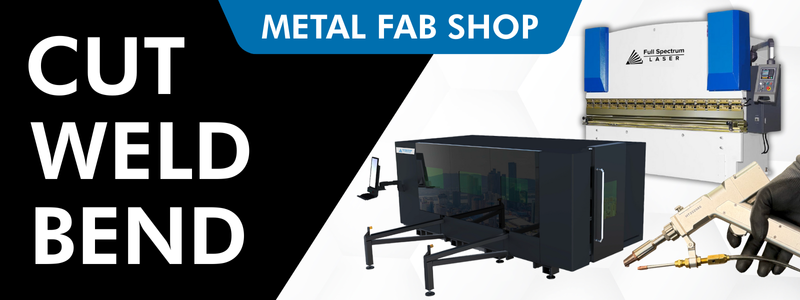
Building a Complete Metal Fabrication Lab with Full Spectrum Laser In today’s fast-paced world of manufacturing and prototyping, efficiency, precision, and...
Education Bundles
Route school buyers here for the education bundle and purchasing codes instead of sending them through the standard product catalog.
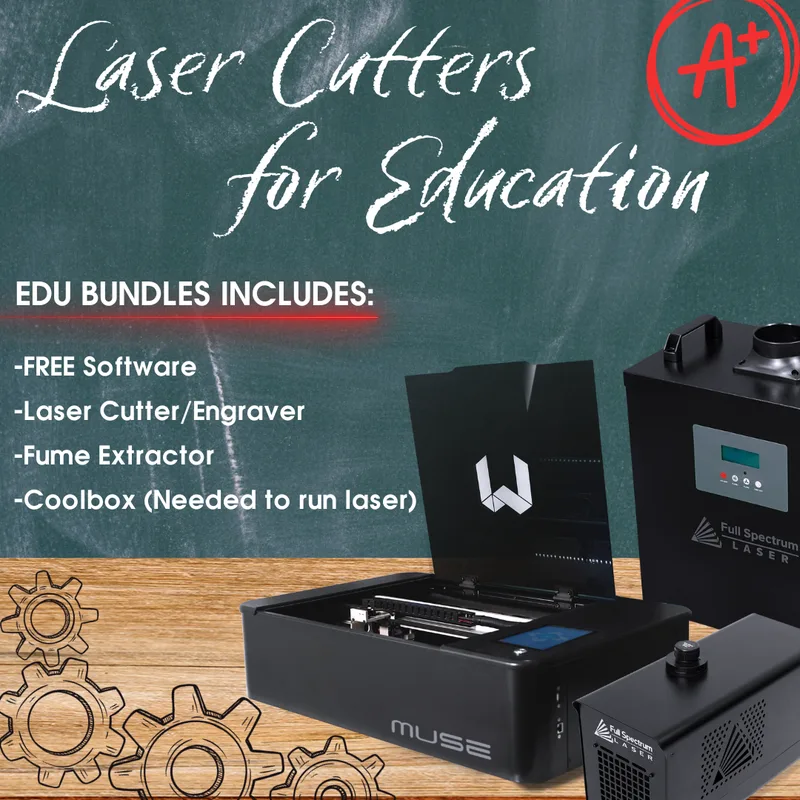
Featured Education Bundle
Classroom-ready Muse Core package with enclosed CO2 cutting and engraving, browser-based software, a removable floor, and a workflow that is easier to support across labs and makerspaces.
Educational pricing is typically verified before fulfillment. For purchase orders or curriculum-package questions, contact accounting@fslaser.com or use the contact page.