
On the Fly 3D Infinite Field Processing in a Local Browser UI
Design + Import
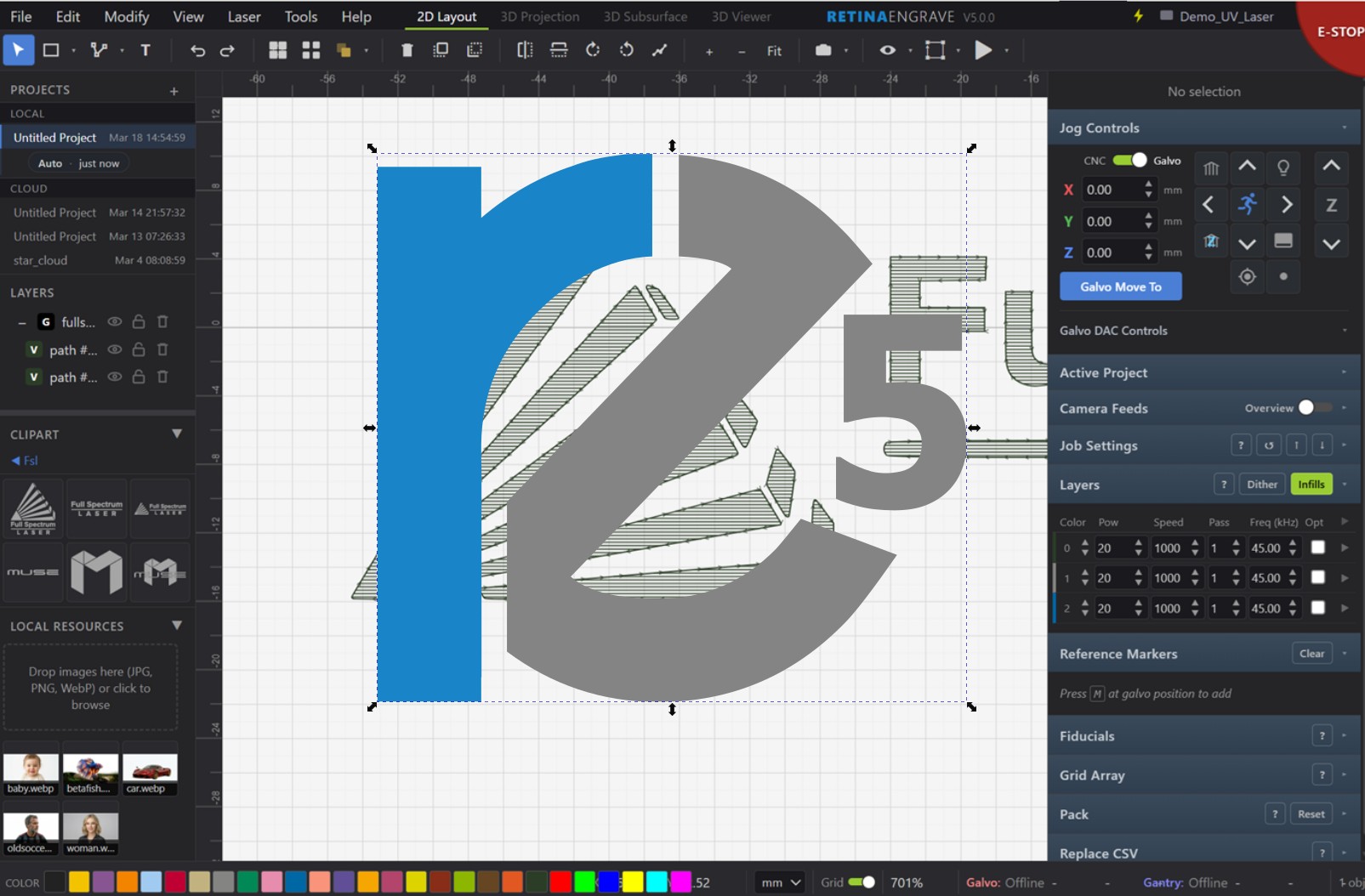
- Built-in drawing and full design capabilities in your secure offline browser. No internet required.
- No downloads for Windows, Mac, or Linux. Works even on your mobile phone or tablet.
- Uses WebGL + WASM for native-class speed without the IT hassle.
- Drag-and-drop direct import for DXF, SVG, PDF, JPG, BMP and more
- Built in Monogram Generator
- Best in Class File Import: Auto Repairs broken DXF Files
- ReCAD parametric CAD runs directly in the browser with fully constraint-driven design and SVG/DXF support.
- PCB Mode: direct import of Gerber PCB and NC Drill files with precise optical-drawing alignment using fiducial markers
- Automatic Raster<->Vector Conversion
- Direct Print Driver PDF handoff into the active RE5 session
- 3D curved surface projection, 3D point cloud, and subsurface engraving workflows
Vision + Alignment
- Tightly integrated computer vision expertise solves laser problems instead of treating vision as an afterthought
- Advanced MIPI 2.8Gbps Global Shutter Camera System
- Optional coaxial through-the-lens camera with Varioptic liquid lens technology stitches what the laser sees
- SynchroScan inline camera stitching covers the entire workspace view
- Best in Class Camera to Laser Accuracy <10um
- ZCam: Autofocus Anywhere on the Workspace with 3D Scanner
- Fiducial-based optical alignment with best-fit scale, rotation, and translation
- AI background removal, AI object segmentation, detection, and auto-orientation
Production + Automation
- Continuous Motion That Never Stops — No Tiles, No Stitching, True On-the-Fly Processing
- Supports True 3D Wrapping with Dynamic Z Focusing
- Dual independent laser and dual independent galvo control synchronized with EtherCAT servos
- Fully offline browser-based software with nothing extra to download or install
- Easy to Use Laser Setting Material Library
- Easy to use REST API for automation - no DLL linking needed
- Automate your Workflows with Image or Text Replacement from Spreadsheet
- Best In Class Automatic Packing
- Laser-optimized dithering with Error Diffusion, Ordered, and DBS modes plus Auto Image Prep
- Beam Profiler Module: View Laser Spot Size, Beam Quality and Find Focus vs Z automatically
- Shack-Hartman Module: Access Realtime Laser Beam Quality Characteristics through Zernike Coefficients like Defocus, Astigmatism, Tilt and more
Acceleration
WebGL + WASM
Low-latency rendering for dense vectors, previews, and 3D processing views.
Deployment
Fully offline
Browser-based control with no cloud dependency and nothing extra to install.
Motion
Dual independent sync
Drive two lasers through two galvos while staying locked to EtherCAT servo motion.
Advanced Features
AI Object Detection and AI Auto Align to Object

3D Projection

AI 2D Image to 3D Depth Map Generation

AI 2D Image to 3D Point Cloud Generator

3D Point Cloud Depth Editor

Galvo Lens Calibration with Micron Accuracy Edge to Edge

Click here to read our blog article for more information on RE5 software key features and benefits