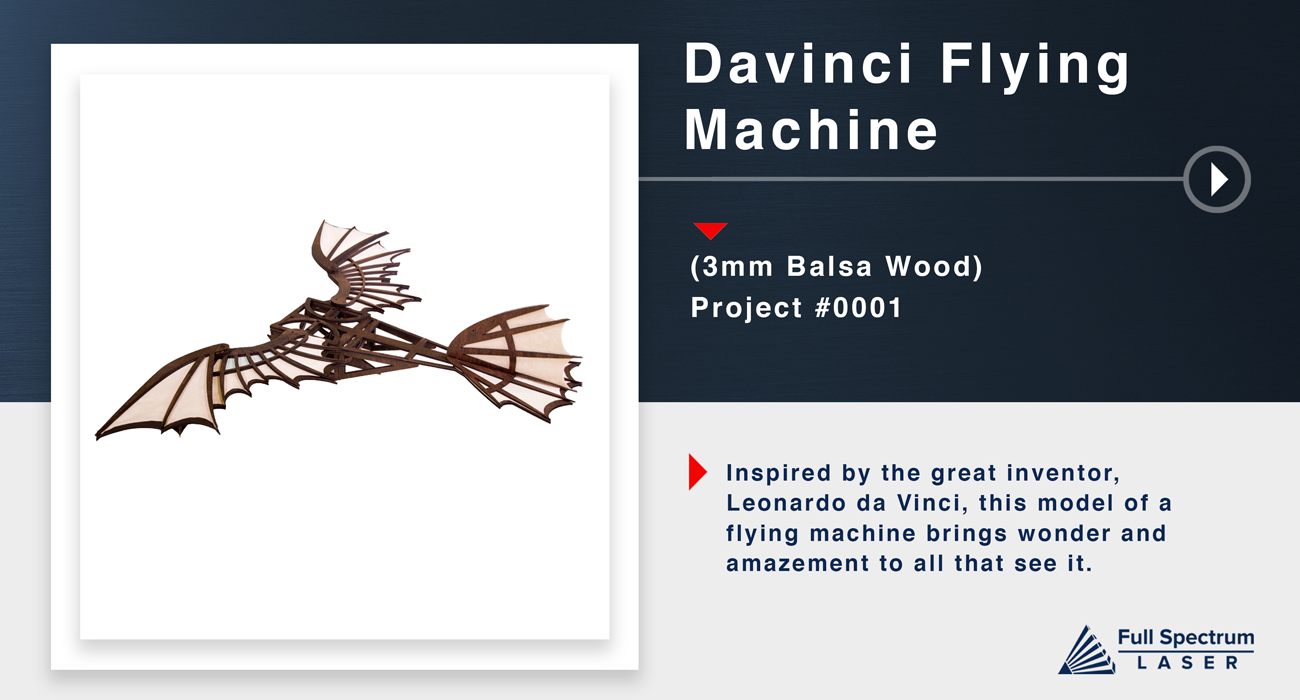
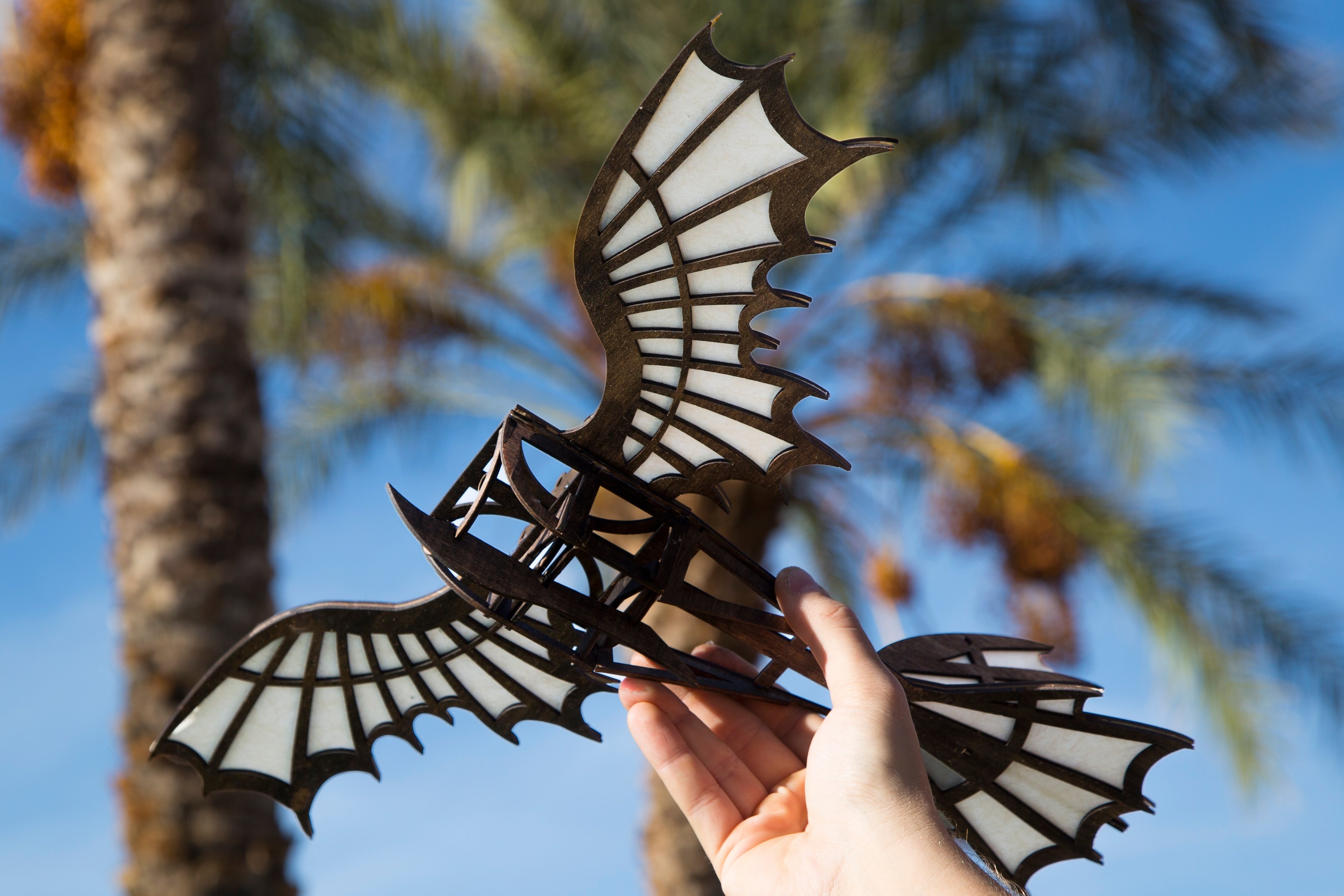
Undercarriage Assembly
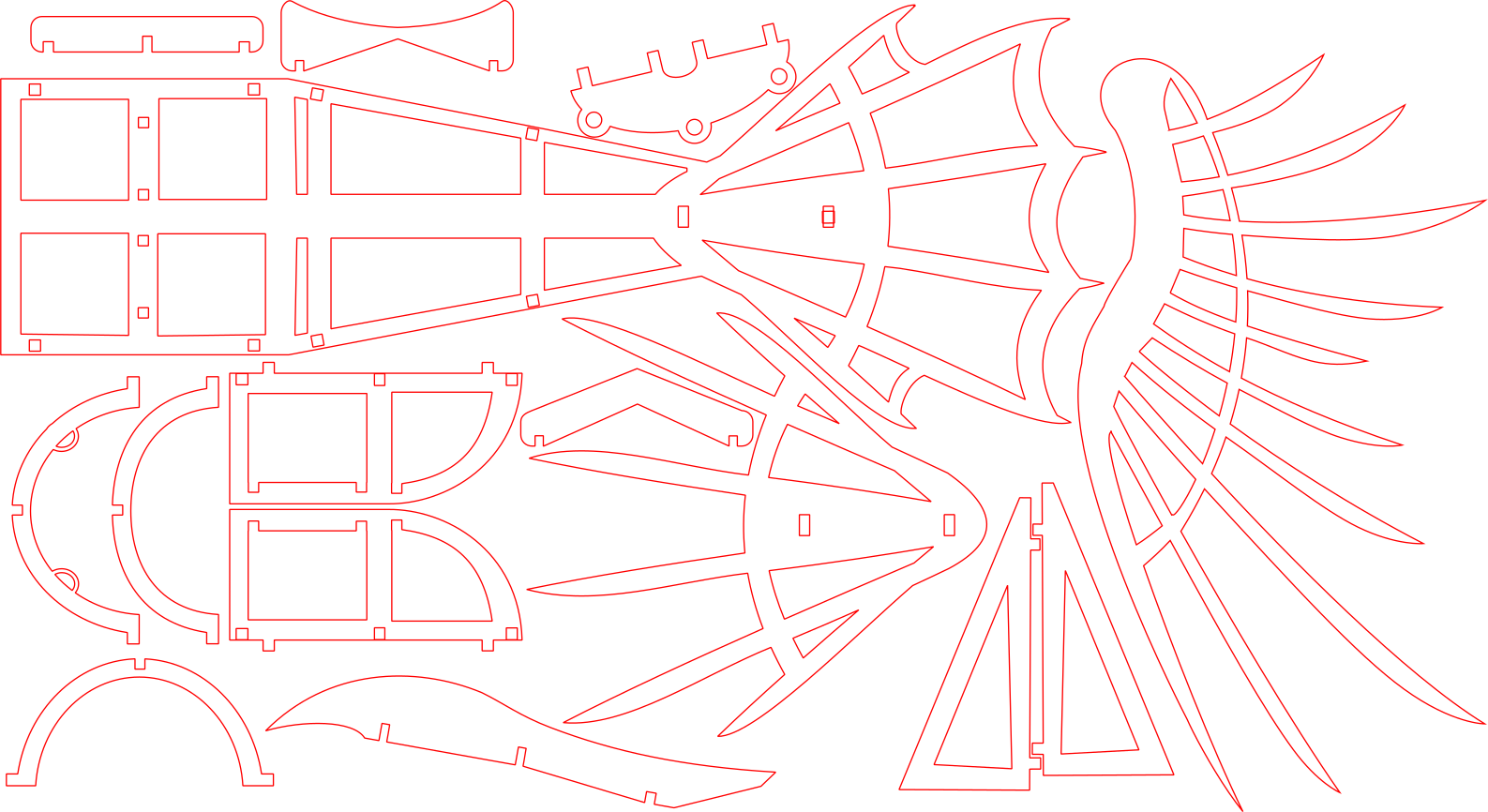
Lay main body face down. Insert triangle pieces into the notches at the midsection of the body. The point of these triangles should be pointed torwards the tail. As shown in next slide..
They should fit losely as they will be tilted inwards later. If you choose to add glue, test assemble the piece first, then come back as you will have to work quickly.
Insert one of the side panels into the notches above the triangles. The flat side should line up with the flat edge of the triangle. Slide the two central rib pieces into the notches of the side panel as Seen in next slide..
Insert the handled rib piece into the front of the body. This should be place at the rounded end of the side panel. Place the second side panel over these shapes. As shown in next slide..
Secure these pieces by adding the cross beams under the side panel notches. Place the hourglass shaped beam at the front of the model. Follow this by adding the straight beam, then the V shaped beam. As shown in next slide..
Add the vertical cross bar along all of these sections to secure this assembly. Add glue to secure these notches.
Wings and Tail Assembly
Flip the whole project over and align the main wing pieces with the notches. As shown in next slide..
Secure the wings by inserting the wing pin.
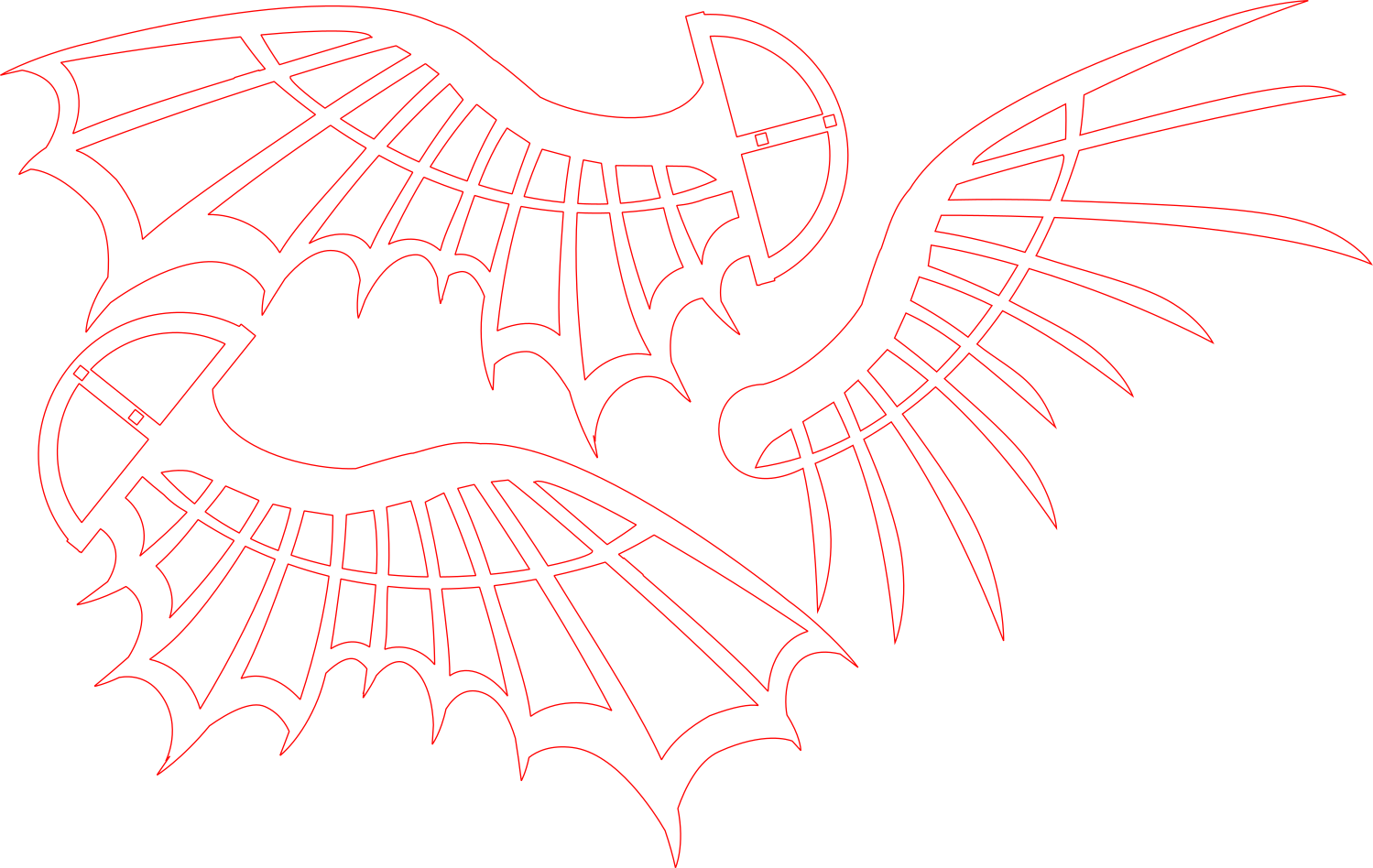
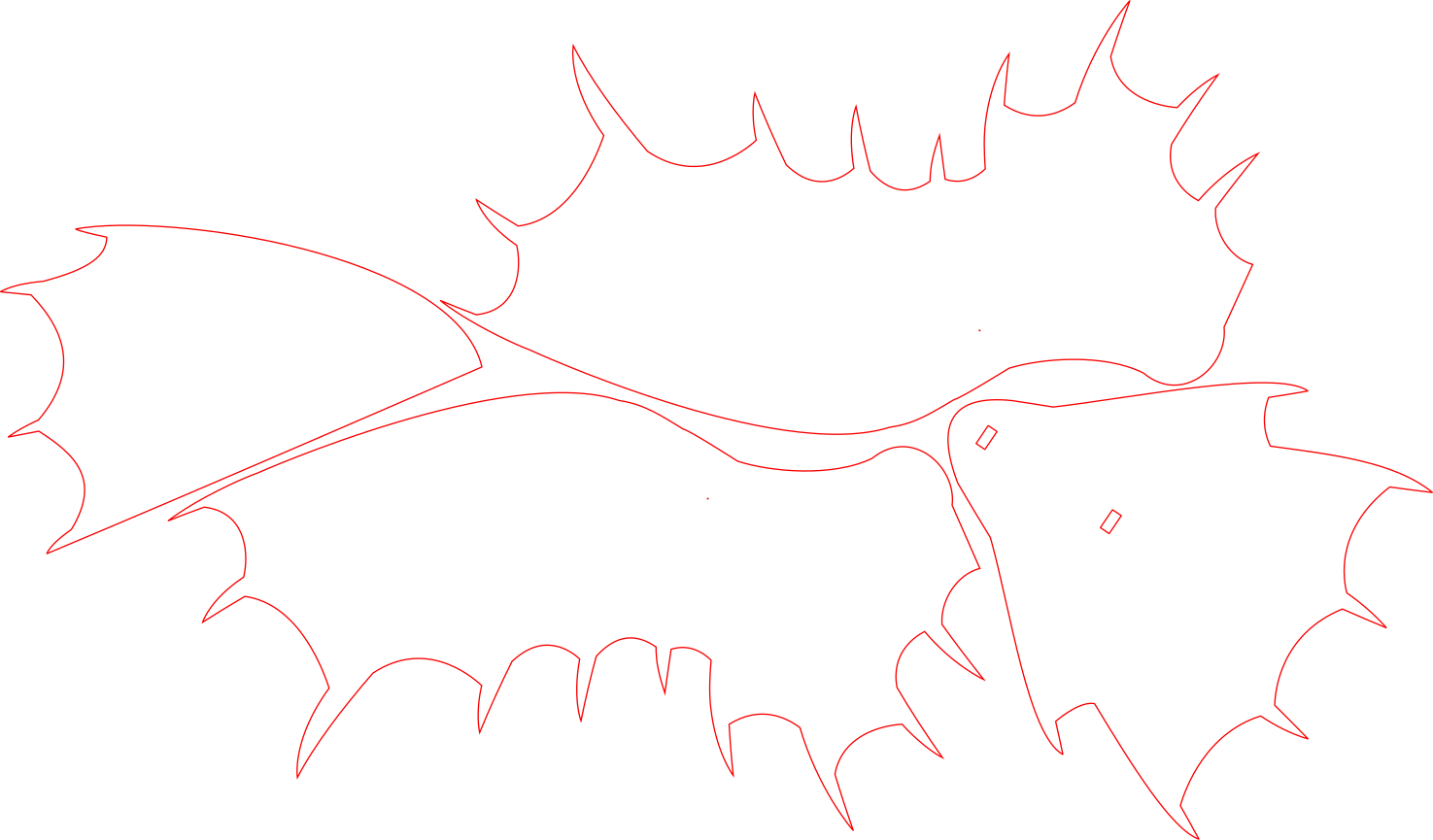
Add glue to the wing frame to attach the wing fabric. Glue the wing spines on top of each wing. As shown in next slide..
Glue the fabric and spine sections to the tail section of the body. As shown in next slide..
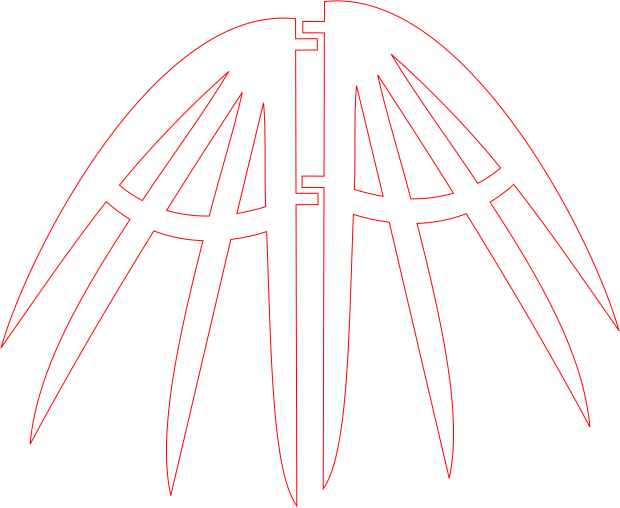
Glue the tail fin fabric to one of the tail fin spine sectons. Add the second panel on the other side. As shown in next slide..
Lastly, insert this fin into the notches on the body.
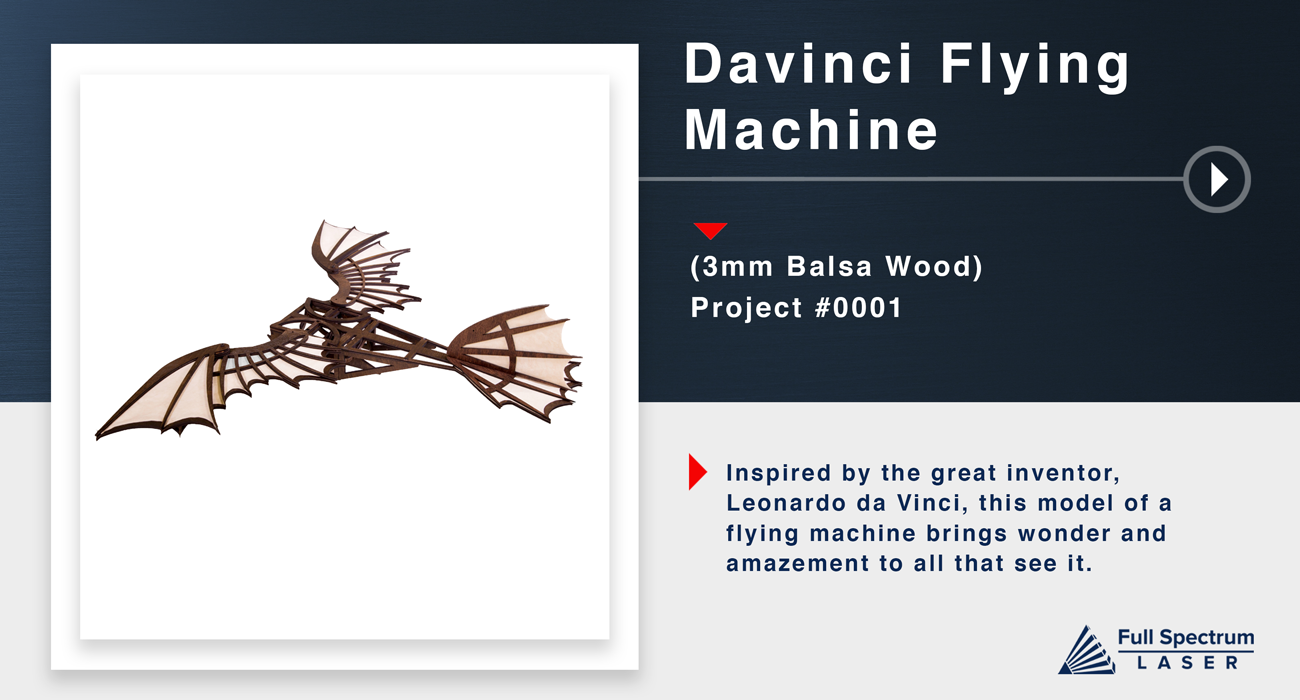
Well Done!